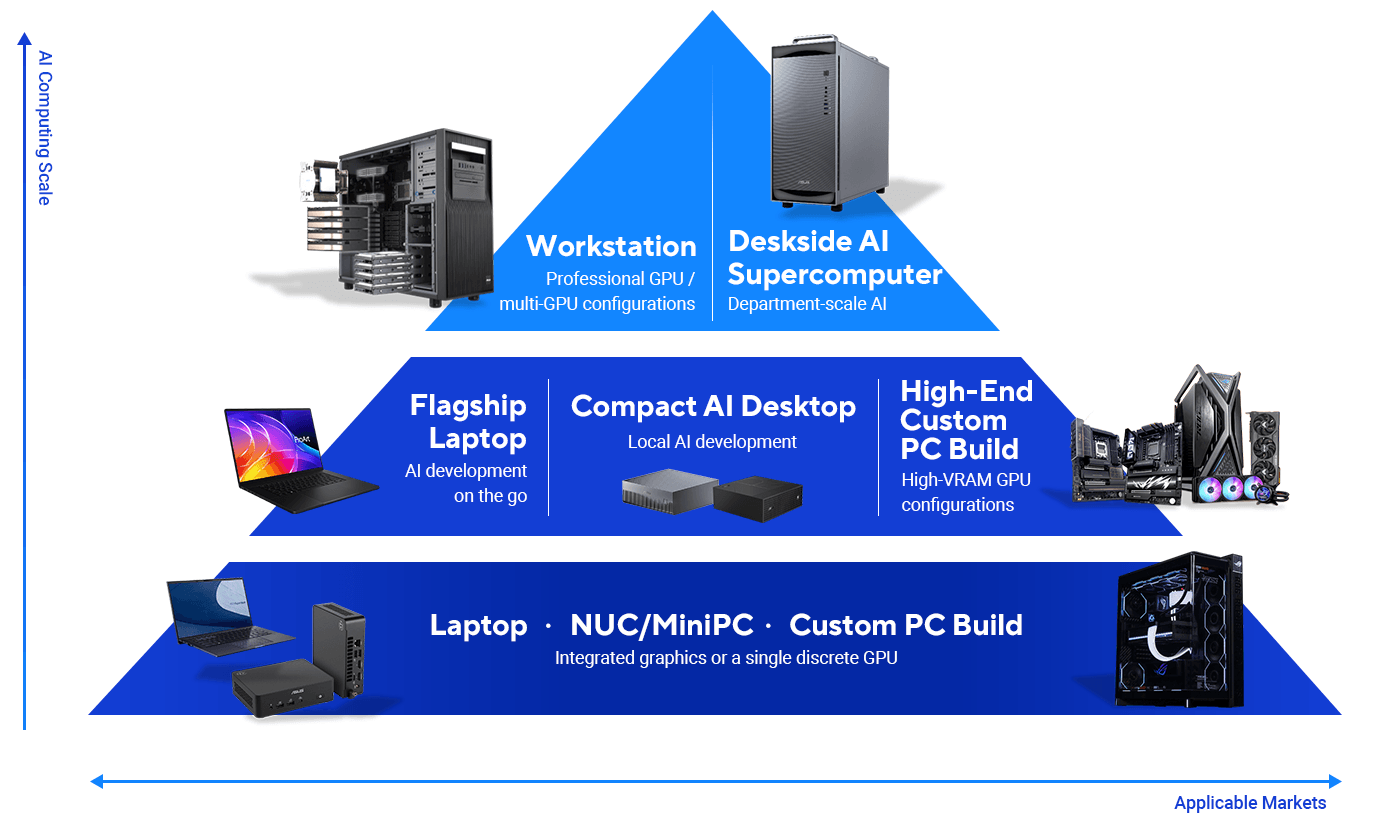
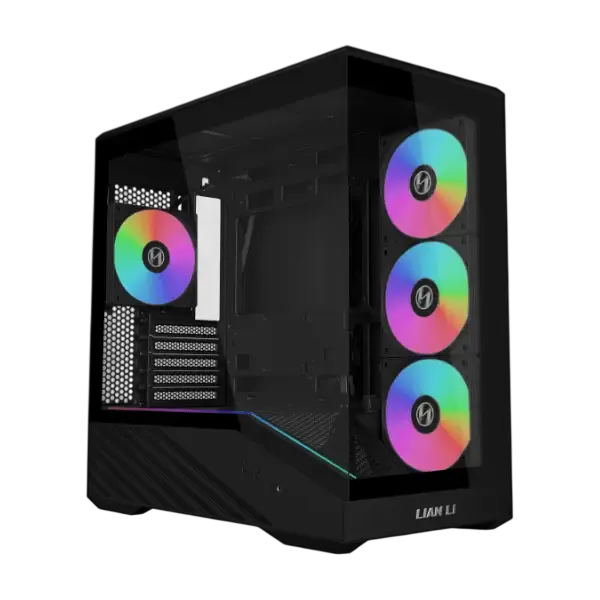


TTX ECO D4 · i5-14400F + RTX 3060
- Intel Core i5-14400F
- ASUS DUAL RTX 3060 12GB OC
- ASUS PRIME B760M-A WIFI DDR4
- 16GB DDR4 3200
- 1TB NVMe Gen 4 SSD
- 600W 80+ White PSU
Price: 4,749 Saudi riyals
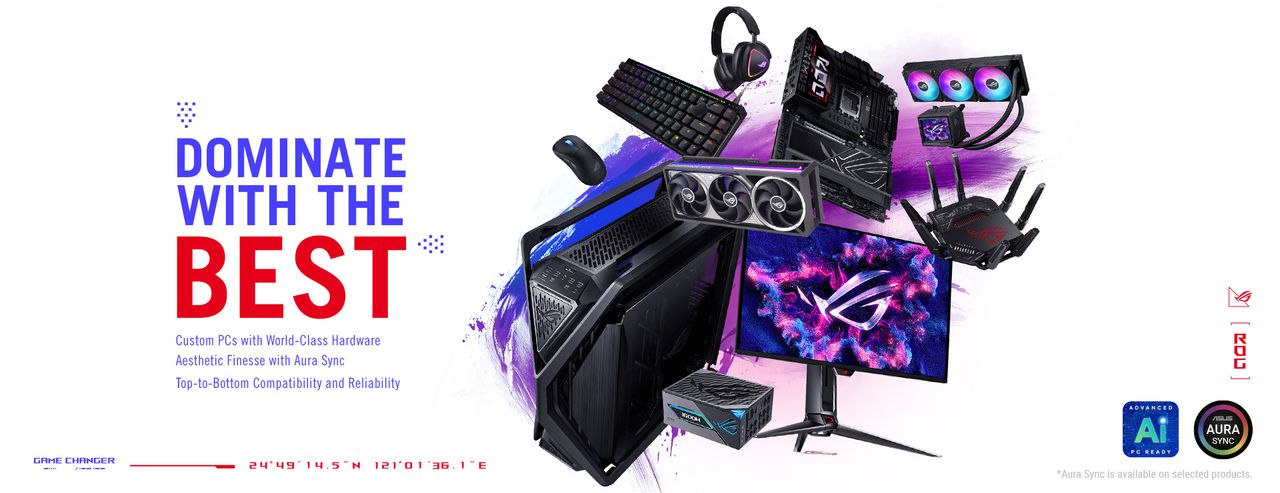
Your Dream PC, whether it is for Gaming, content creation or AI, with ASUS motherboards and graphics cards. We have it at TTX assembled and tested before it reaches your desktop.
Builds for 1080p to 4K gaming, with fast CPUs and high-refresh graphics cards.
9 builds
Price: 4,749 Saudi riyals
Price: 5,949 Saudi riyals
Price: 6,369 Saudi riyals
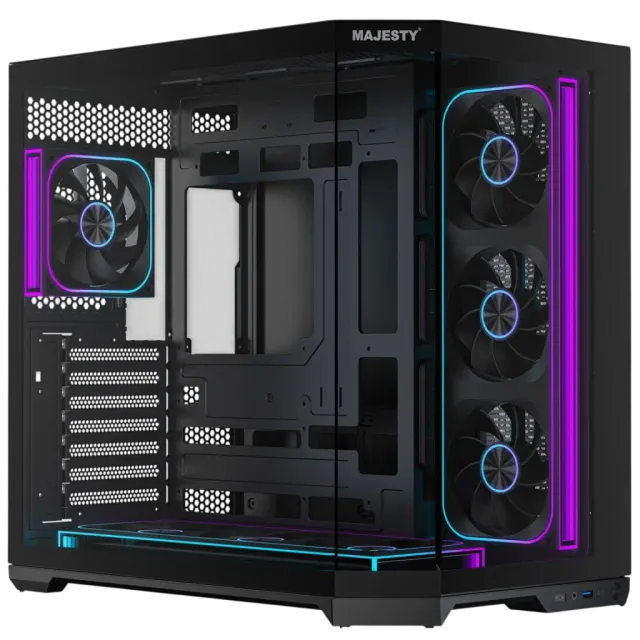
Price: 9,799 Saudi riyals
Price: 8,949 Saudi riyals
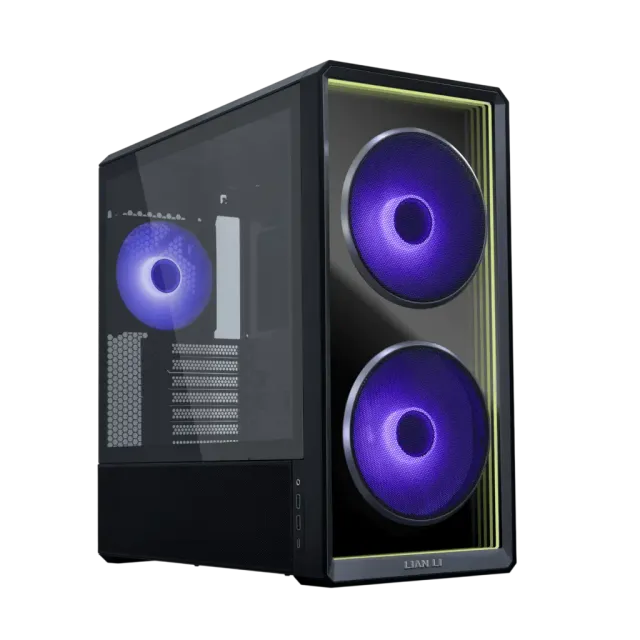
Price: 10,259 Saudi riyals
Price: 14,619 Saudi riyals
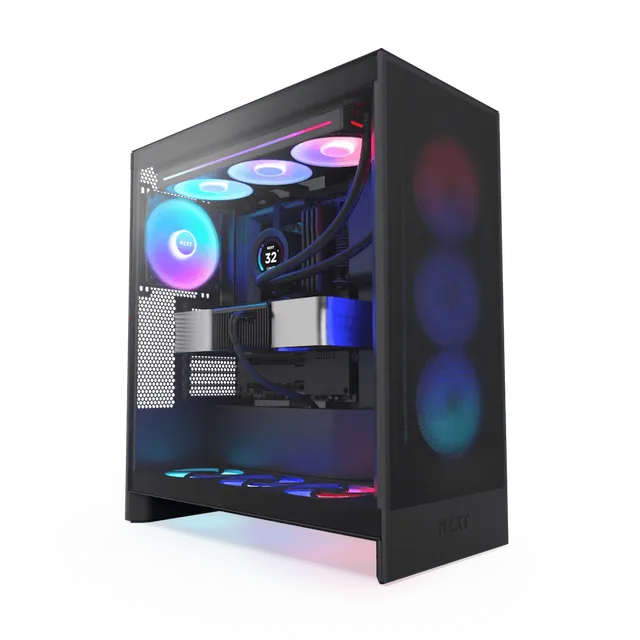
Price: 12,559 Saudi riyals
Price: 15,349 Saudi riyals
Powered by ASUS is a global ASUS program in more than 50 countries, with over 1,600 partners who build custom systems. A build starts from an ASUS motherboard and graphics card, and adds ASUS monitors, routers, CPU coolers, power supplies, cases and peripherals. The result: features in sync, a matched look and fine-tuned performance.
TechTroniX is a Powered by ASUS builder in Saudi Arabia. We build each PC ourselves and test it before it gets to you.
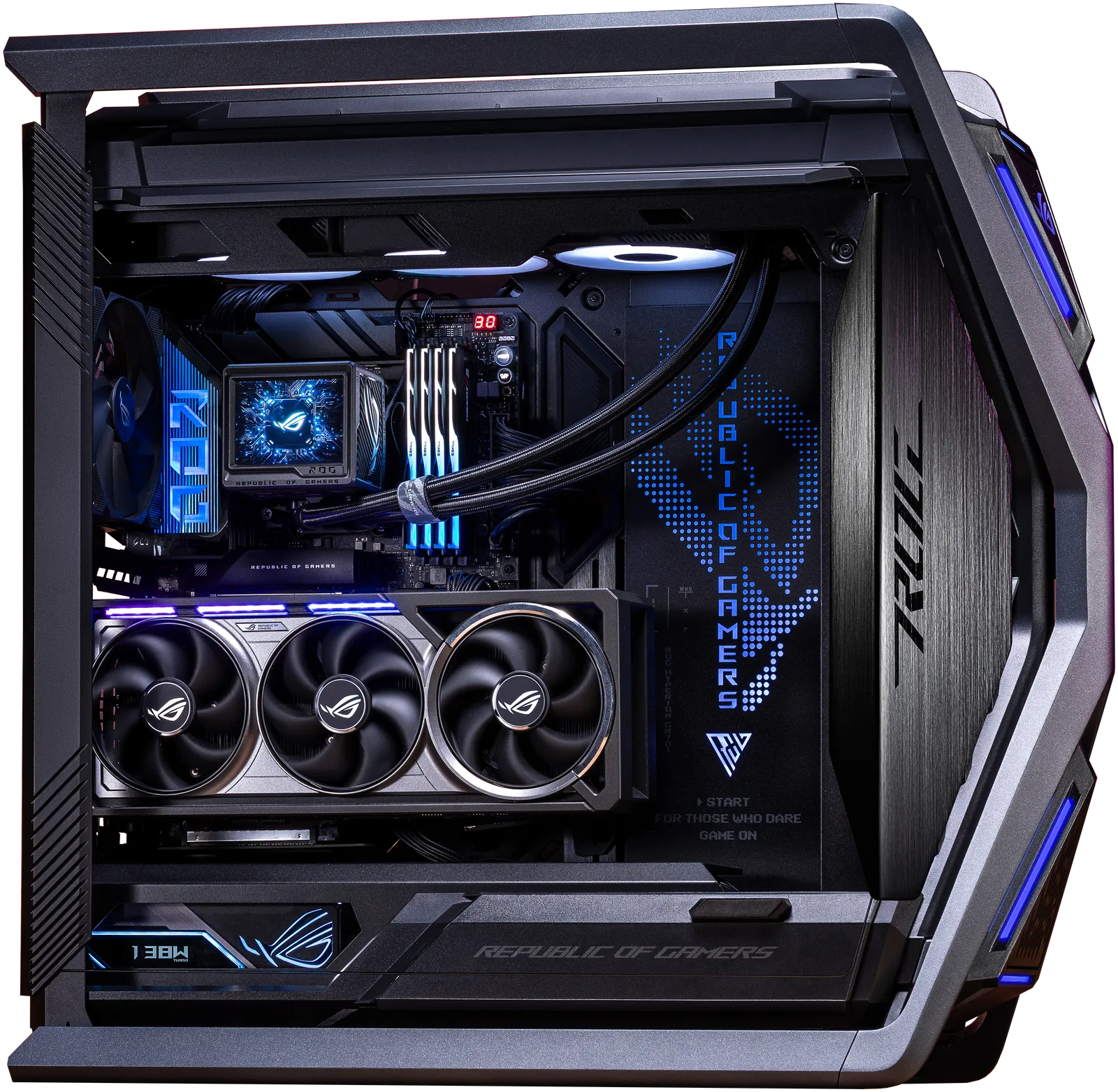
Our gaming builds run on ROG, TUF Gaming and Prime parts from ASUS. This is why we chose ASUS for each part.
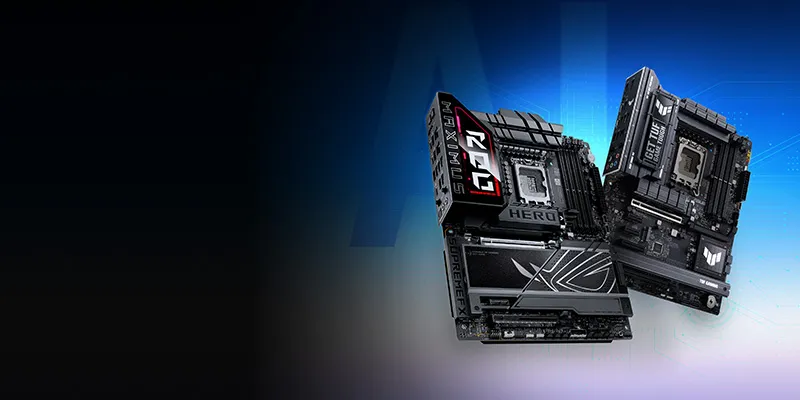
Motherboard
Over 20 years, more than 600 million boards sold and the most awards of any brand. Every build we make starts here.

Graphics card
GeForce RTX 50 Series cards from ROG Astral at the top to TUF Gaming and Prime, for every budget.

Gaming monitor
ASUS made the world's first 144 Hz monitor in 2012. Today ROG monitors reach 540 Hz, with OLED models too.
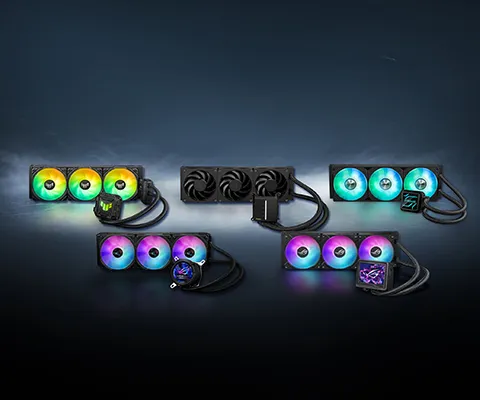
Cooling
AIO liquid coolers keep the CPU cool through long sessions, with Aura lighting that matches the rest of the build.
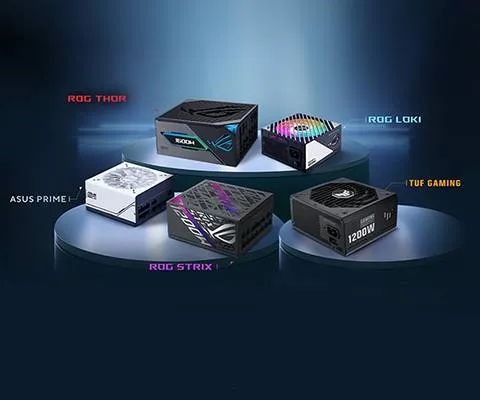
Power supply
Premium components and advanced cooling give every part clean, steady power.
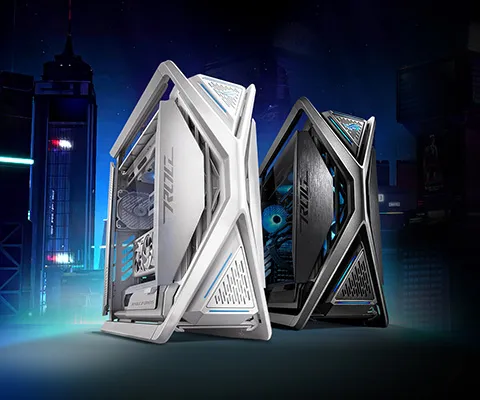
Case
ROG and TUF Gaming cases with strong airflow and easy cable management, so your build looks as good as it runs.
Official ASUS product photos and facts.
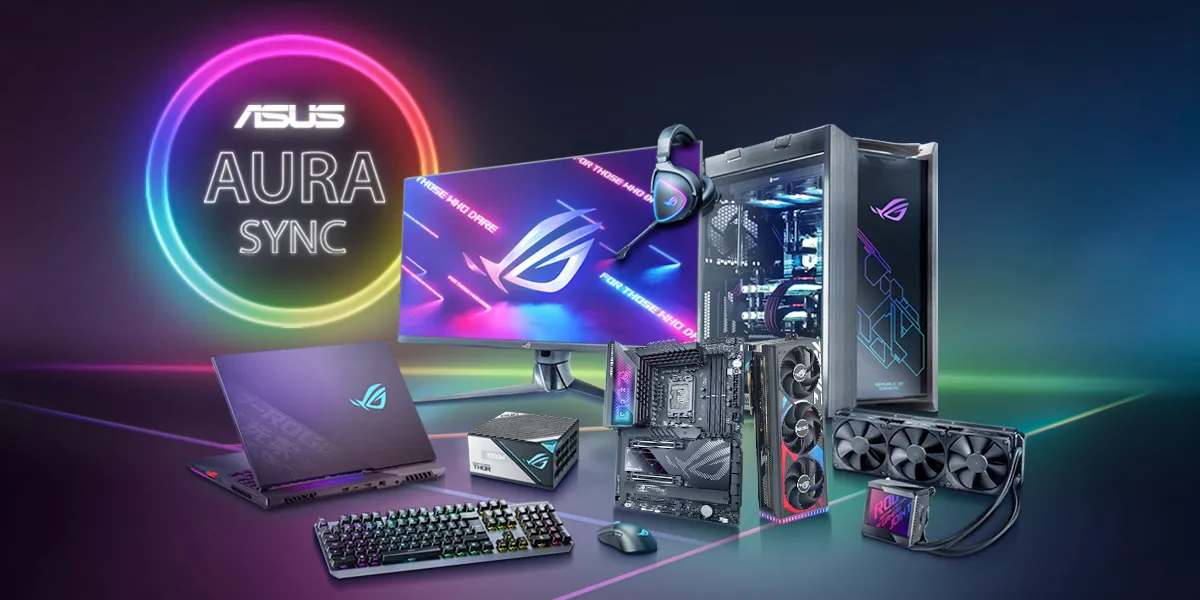
The ASUS parts in your build work as one team: the lighting moves together, and one app controls all of it.
Aura Sync
Pick from a near-endless range of colors and effects, and link the lighting to your music, the game action or CPU and GPU temperatures.
Armoury Crate
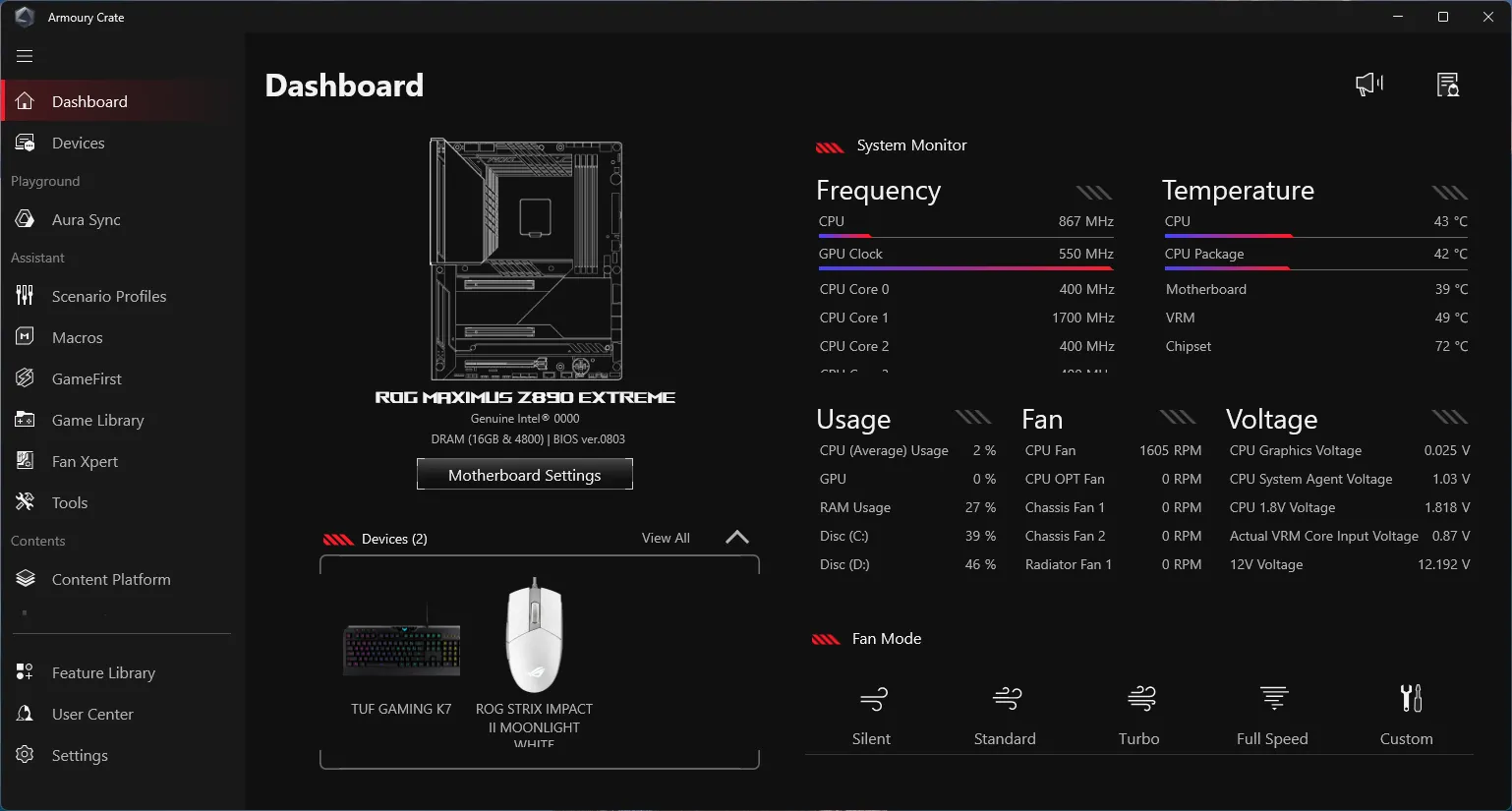
One app to set up and control all your ASUS and ROG gear: lighting, fans and live system readings.
For companies, schools, universities, labs, gaming cafés and studios that need several machines, for gaming, content creation or AI. Fill in the form and our team replies with a quote.
Tell us what you need
How many machines, the work they will do, and your budget. This form is the first step.
Get the specs and one quote
Our team picks the parts for your work and sends one quote for the full order.
Receive them ready to work
We assemble and test each machine at TTX, then deliver it to you.
Thank you, we have your request
The TTX team will review it and reply by the email or phone you gave.
Or email us at[email protected]
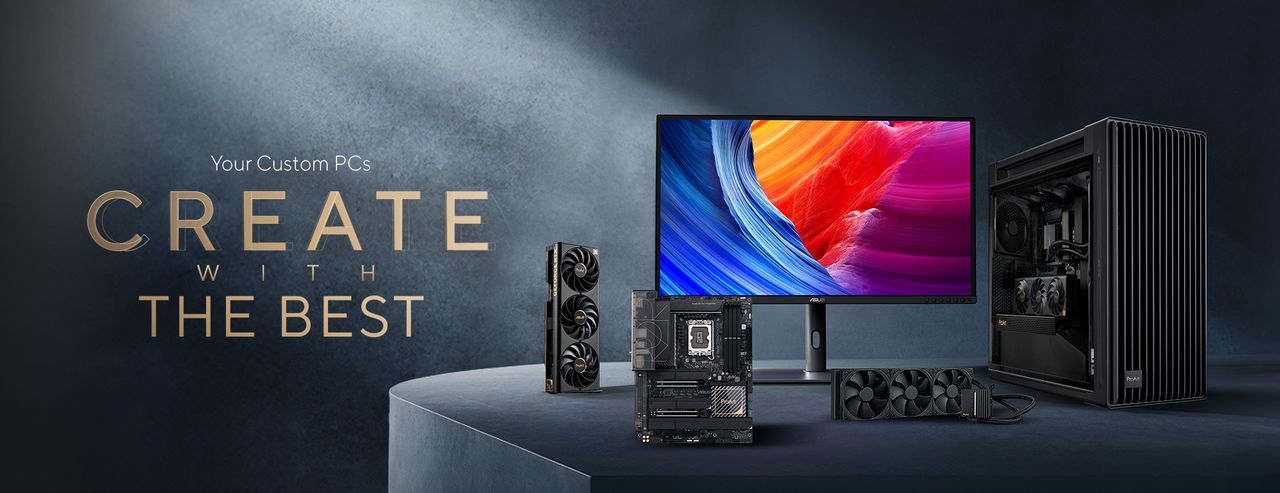
Builds for editing, 3D and streaming, on ProArt parts and high-VRAM graphics cards.
4 builds
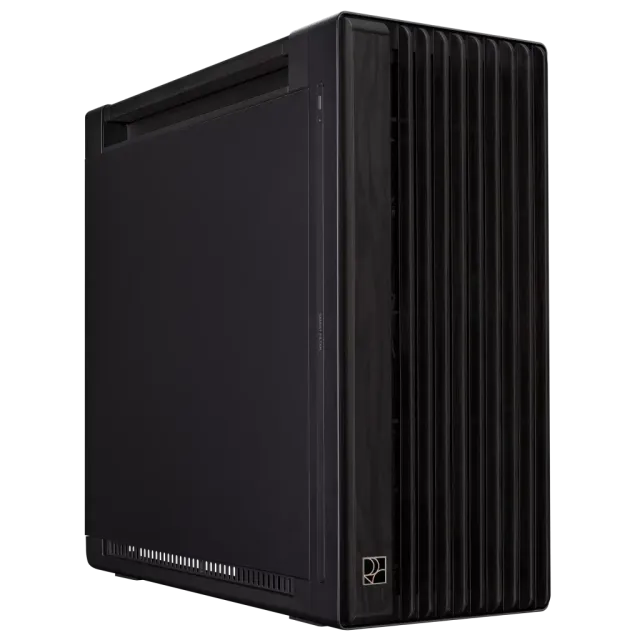
Price: 17,319 Saudi riyals
Price: 21,209 Saudi riyals
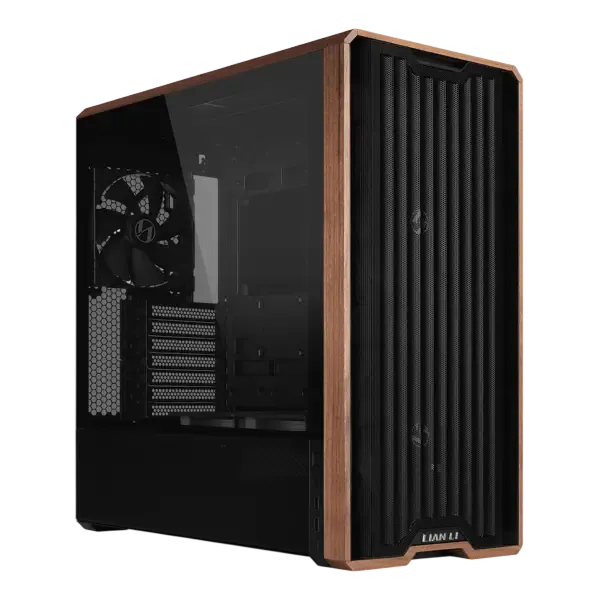
Price: 16,179 Saudi riyals
Price: 19,239 Saudi riyals
Our creator builds use ProArt parts from ASUS, made for color work, long renders and quiet studios.
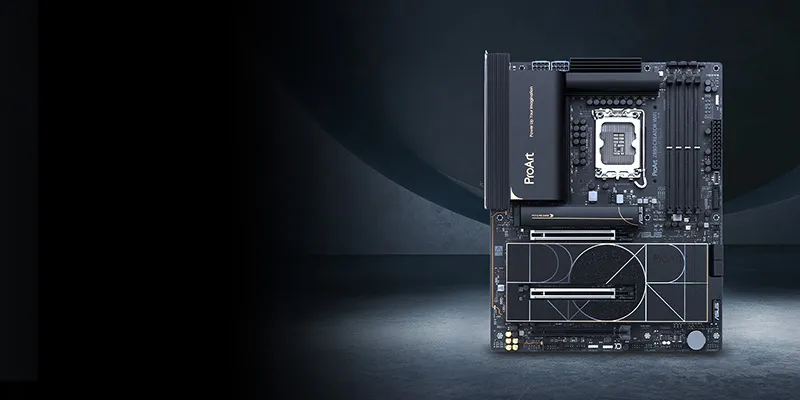
Motherboard
ProArt Z890 boards, from the brand with over 20 years in motherboards and more than 600 million sold.

Graphics card
NVIDIA Blackwell and NVIDIA Studio AI tools in a compact 2.5-slot card that fits more cases.
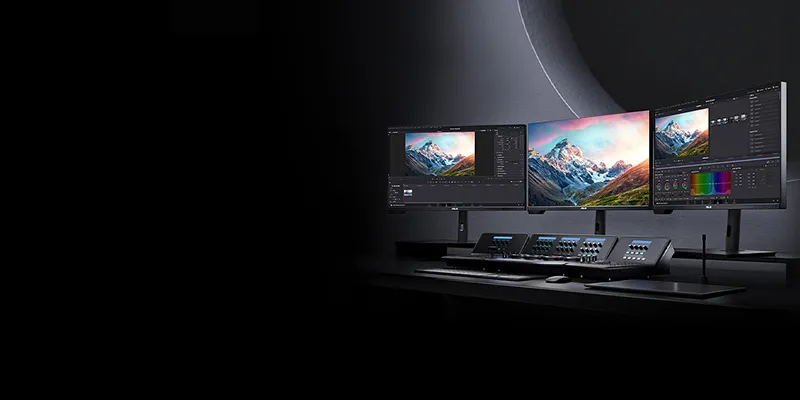
Displays
Every ProArt display is calibrated at the factory. PCMag Readers' Choice two years in a row, and EHA Best Professional Monitor in 2020, 2022 and 2025.

Cooling
The ProArt LC 420 uses Noctua fans to keep the CPU cool and quiet through long renders.

Case
The ProArt PA602 Wood Edition moves a lot of air in a wood-trimmed case that suits any studio, with a glass or metal side panel.
Official ASUS product photos and facts.
Three kinds of creative work where a ProArt build saves you time, from the first file you open to the last export.
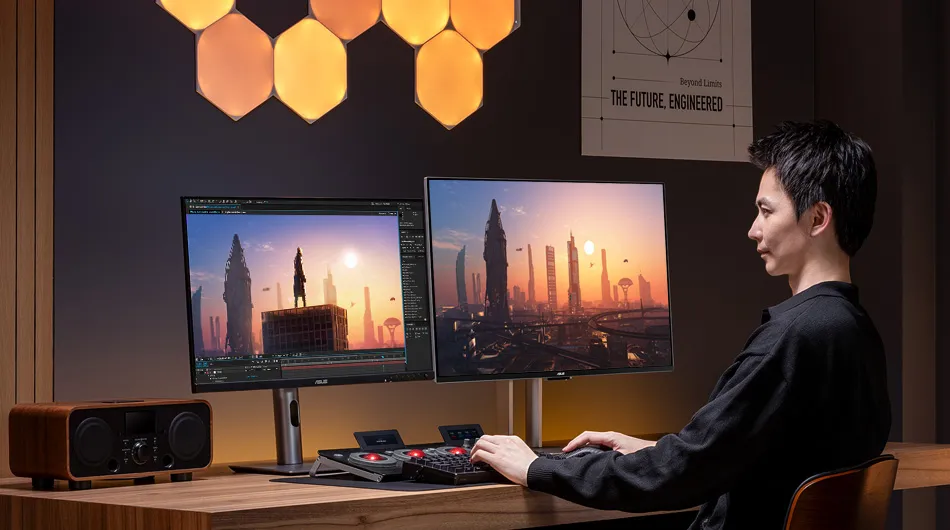
From recording and editing to rendering and transcoding, ProArt does the heavy work so you meet your deadlines.
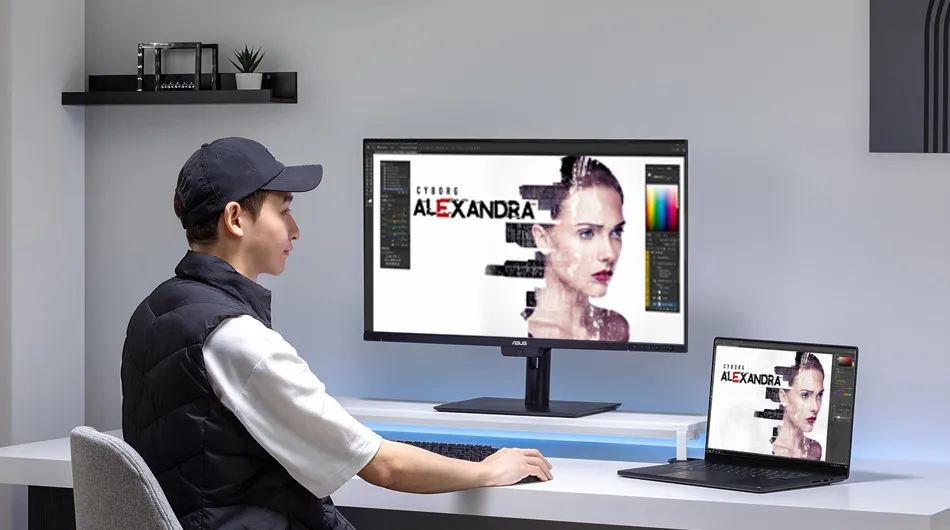
The power to edit a full shoot fast, and a ProArt monitor that shows your colors true.
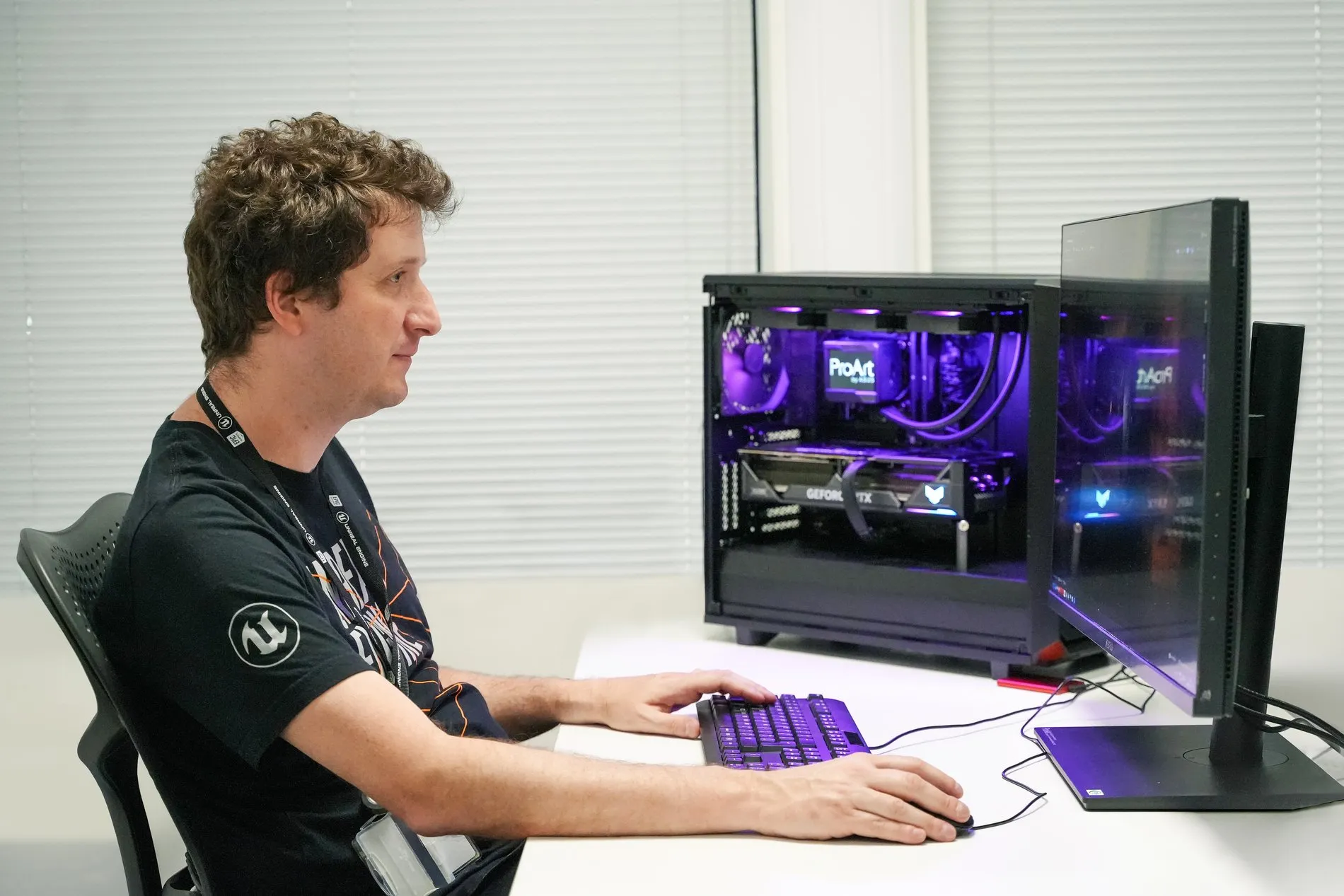
Model, render and build worlds in game engines without waiting on your PC.
Film schools and creative studios around the world work on ProArt. See how in this video from ASUS.
The video comes from YouTube and starts to load only when you press play.
For companies, schools, universities, labs, gaming cafés and studios that need several machines, for gaming, content creation or AI. Fill in the form and our team replies with a quote.
Tell us what you need
How many machines, the work they will do, and your budget. This form is the first step.
Get the specs and one quote
Our team picks the parts for your work and sends one quote for the full order.
Receive them ready to work
We assemble and test each machine at TTX, then deliver it to you.
Thank you, we have your request
The TTX team will review it and reply by the email or phone you gave.
Or email us at[email protected]
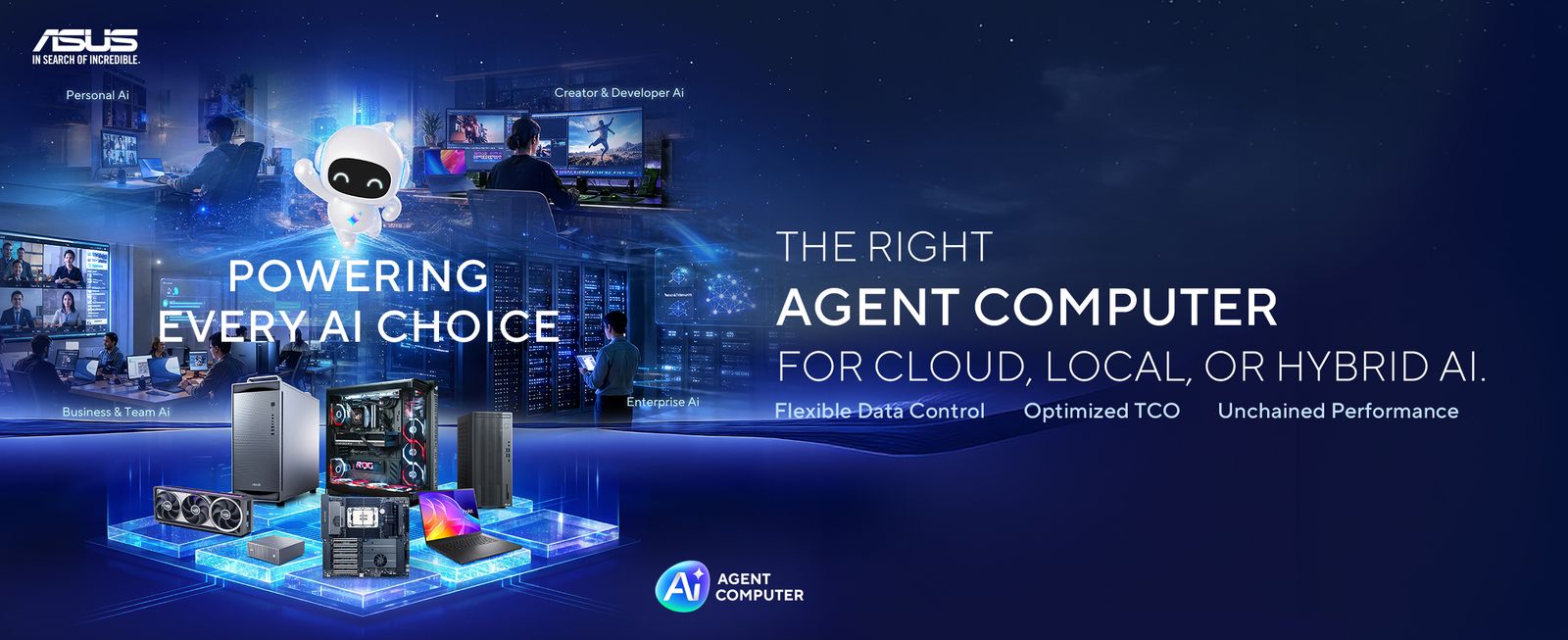
Desktops that run AI agents locally.
Flexible Data Control
Run AI locally, in the cloud or both, and keep sensitive data in your hands.
Optimized TCO
Run models on your own machine and cut cloud API token costs over time.
Unchained Performance
Hardware built for agents that run 24/7 and for full local workflows.
5 builds
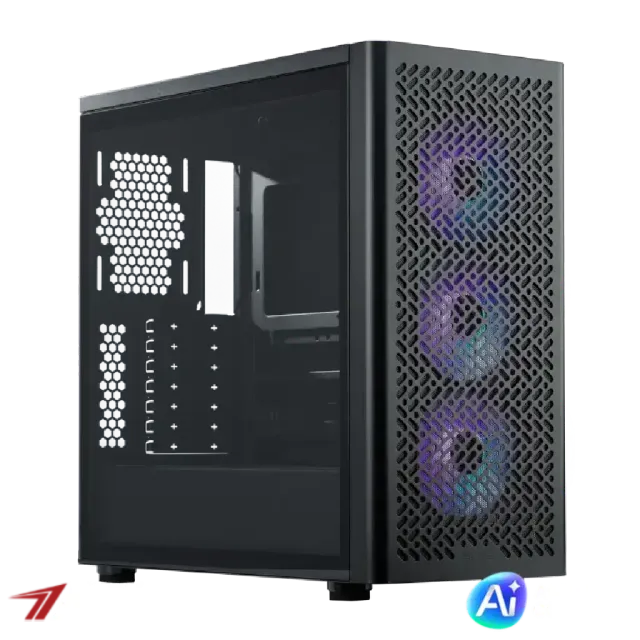
Price: 10,099 Saudi riyals
Price: 10,299 Saudi riyals
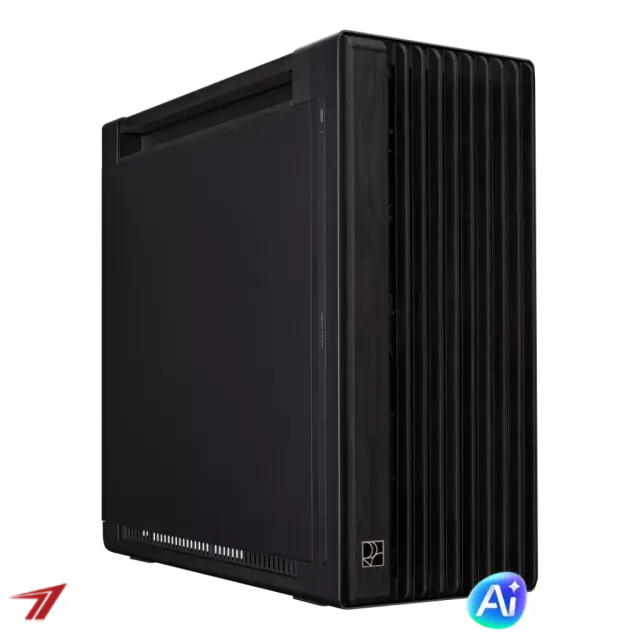
Price: 22,299 Saudi riyals
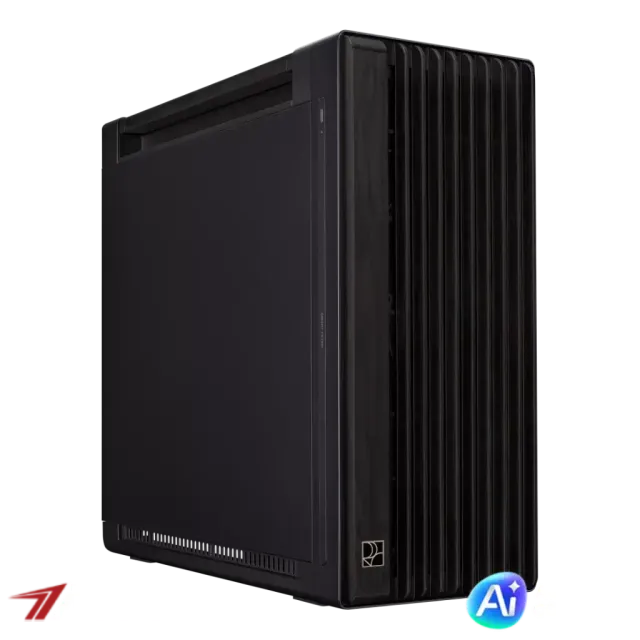
Price: 37,999 Saudi riyals
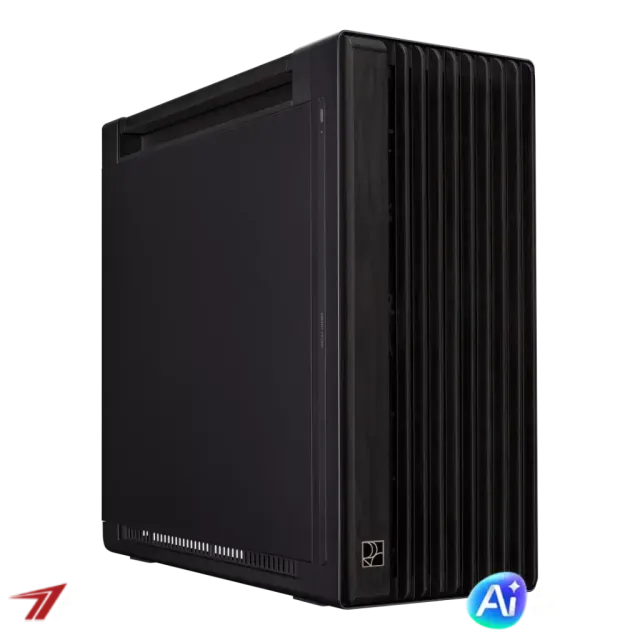
Price: 37,499 Saudi riyals
ASUS sorts its agent computers into a pyramid of three levels. Each step up lets you run bigger models on your own machine.
ASUS illustration. Specifications and availability change from model to model.
More AI computing power
Top
Workstation
Professional GPU or multi-GPU configurations
TTX builds at this level: Workstation
Deskside AI Supercomputer
AI for a whole department
Middle
Flagship Laptop
AI development on the go
Compact AI Desktop
Local AI development
High-End Custom PC Build
High-VRAM GPU configurations
TTX builds at this level:High-end
Base
Laptop, NUC/Mini PC or Custom PC Build
Integrated graphics or a single discrete GPU
Our TTX builds above sit at the levels with a badge. It is the same badge you see on each build card.
Find your place on the line. Each step along it means more users, bigger models and more IT control.
From Personal to Education
For individuals, creators, students and small teams. Your models run on a machine you own and your files stay with you. When your models get bigger, add more power.
From SMB to Enterprise
For companies and institutions with many users, larger models and IT rules to follow. We size the machines to the load. Speed, memory and management features depend on the configuration you pick.
Three jobs an agent computer does well. In each one, the models run on hardware you own, and the cloud is there only when you choose it.
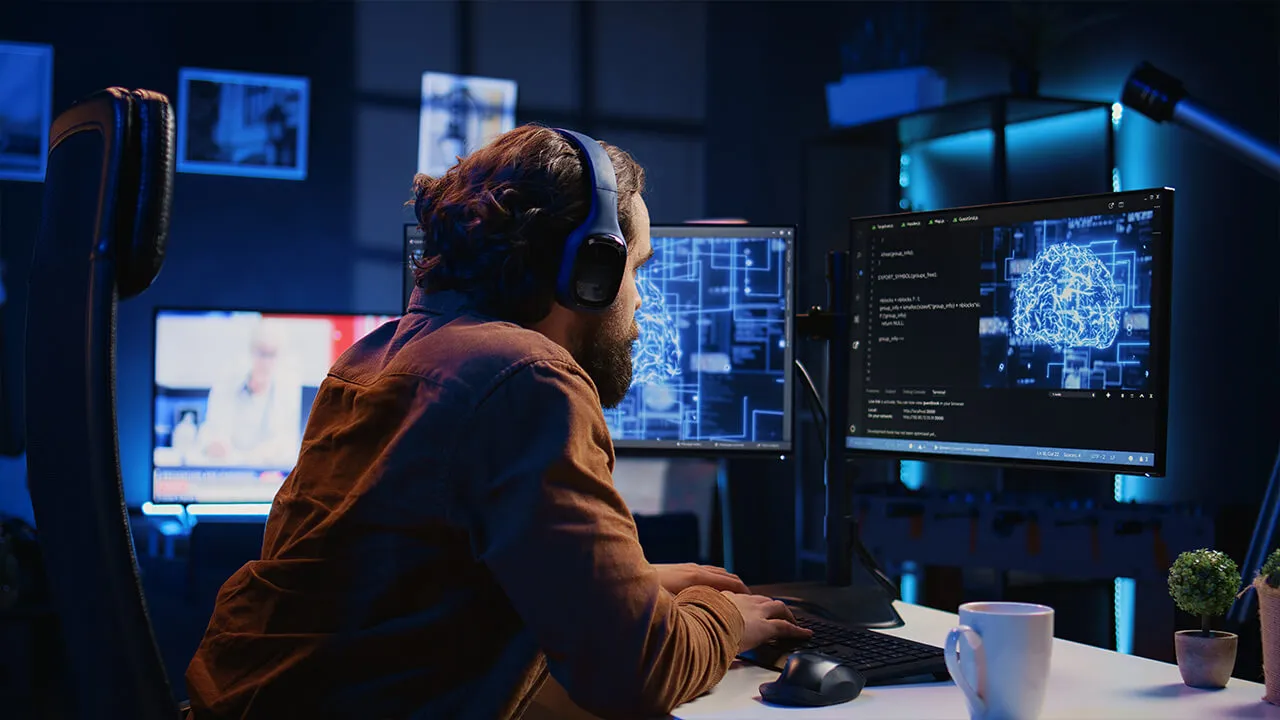
Run models and agents on your desk while you build them. Try RAG on your real files, change a prompt and run it again, with no API bill for each try. Send only the jobs that need it to the cloud.
Example: an agent that answers from your product manuals, tested on your desk before launch.
One machine in the office gives many people their assistants and AI tools. Company files stay in the building, and your IT team decides who uses what.
Example: an internal assistant that drafts replies from your company policies.
Ask your own documents for answers, and give the repetitive tasks to an agent. It keeps working day and night, also when you are away from your desk.
Example: an agent that sorts the day's invoices before you get to the office.
For companies, schools, universities, labs, gaming cafés and studios that need several machines, for gaming, content creation or AI. Fill in the form and our team replies with a quote.
Tell us what you need
How many machines, the work they will do, and your budget. This form is the first step.
Get the specs and one quote
Our team picks the parts for your work and sends one quote for the full order.
Receive them ready to work
We assemble and test each machine at TTX, then deliver it to you.
Thank you, we have your request
The TTX team will review it and reply by the email or phone you gave.
Or email us at[email protected]
Agentic AI is a system that can pursue a goal by itself, decide what to do next, carry out several steps in sequence, and adjust along the way, rather than waiting for a new instruction after each reply.
An agent computer is a device built to run AI agents — software you delegate tasks to rather than operate step by step. Where a PC waits for your next click, an agent computer works on your behalf, often around the clock, and it can report back wherever you are. ASUS agent computers span laptops, desktops, mini PCs, NUCs, and workstations. They are sized for agents that run locally, in the cloud, or both.
Generative AI produces something within a single application each time you prompt it, such as text, an image, or a section of programming code. Agentic AI may use multiple tools to complete a multi-stage task.
Yes. Agentic AI can run in the cloud, locally or in a hybrid setup. A local Agent Computer gives you a dedicated platform to run supported AI models and agents on your own hardware, with greater control over your data and less reliance on paid cloud APIs. For frequent AI use and ongoing agent workflows, this can help reduce recurring API token costs, with actual savings depending on your setup and usage.
You can also connect to cloud services when needed, combining the everyday benefits of local AI with access to additional models and capabilities. Choose a local device with the performance and memory capacity to support your workflows and room to grow as your AI needs evolve.
The right choice depends on where your agents run and how heavily you use them. A laptop is ideal for cloud-based agents, while a mini PC or desktop with a capable GPU or NPU suits hybrid and everyday local agents. Workstation-class systems are ideal for large models, fine-tuning, and always-on agent teams. Whatever the tier, prioritize memory (system RAM, plus VRAM for local models), fast storage, and sustained cooling, since agents tend to run continuously rather than in short bursts.
ASUS offers a full range of agent computers in the form of laptops, desktops, NUCs, custom PCs, and deskside AI supercomputers. With a product available at every tier, your agents can run in the cloud, on your desk, or both. Getting started is simple: the ASUS EZ Installer readies the mini PCs or NUCs for OpenClaw in one click.
On the software side, ASUS Zenni Claw helps users get started quickly with guided agent workflows for work, travel, and daily life. ASUS Zenni AI Hub gives teams a unified platform to deploy LLMs, select models that fit their needs, coordinate multiple AI agents, and build private knowledge bases with Knowledge+.